01 / 08Zebra rugged tablets
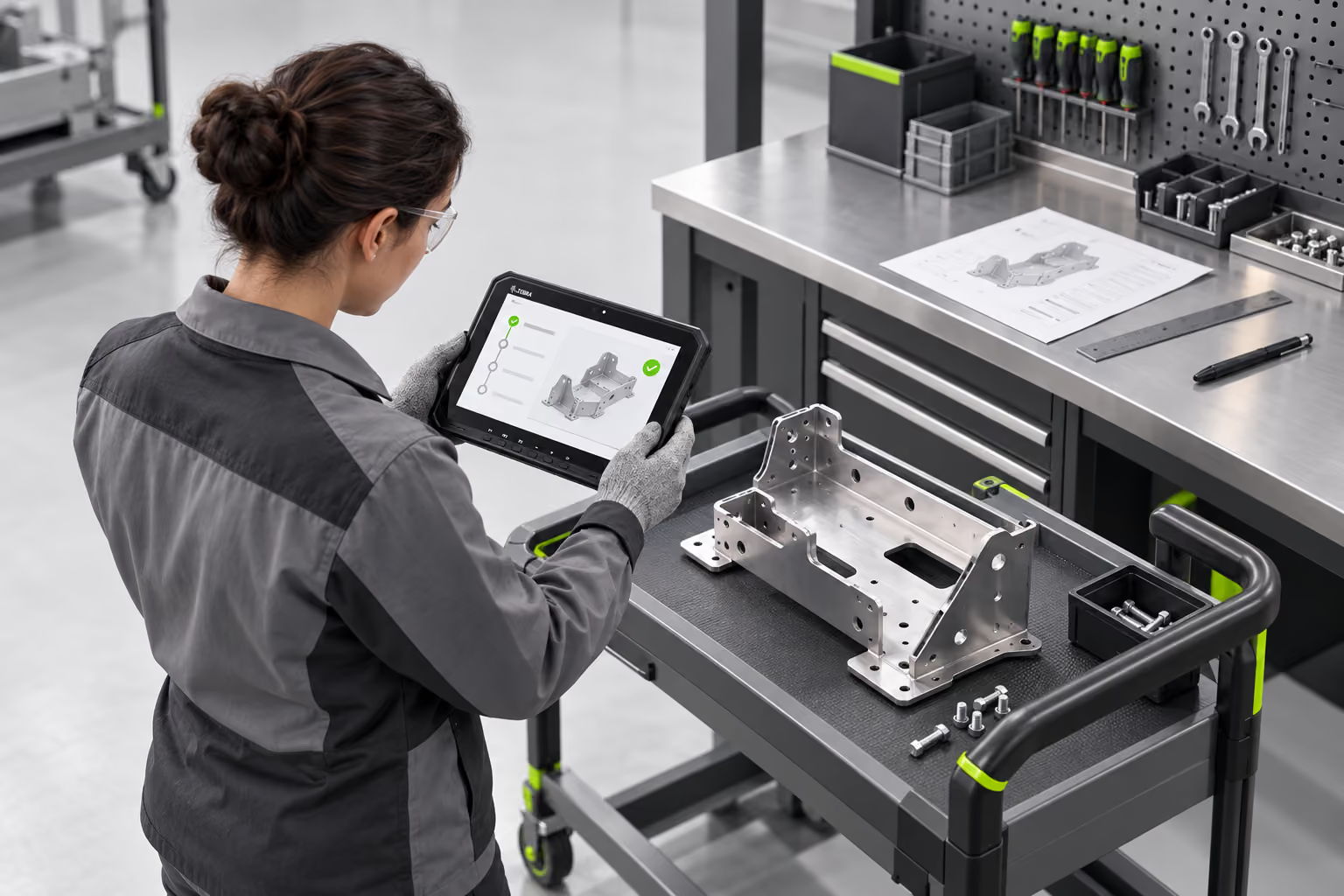
Your plant floor, as connected
as your front office.
Bring data, instructions, and expertise closer to the people doing the work. Start with the workflow that slows your plant down.
Find your gap ↓Illustrative workflow • Connected apps and integration required
A paper traveler waiting for entry. A missing part at line-side. A schematic on a different screen. Small gaps can interrupt an entire shift. Put the right information at the point of work.
Select a task. See what changes
when the information moves with it.
When the work needs a bigger view.
When the work needs a lighter touch.
The right fit depends on the task, environment, software, and device configuration. Connectivity, scanning, RFID, and accessories vary by model.
Start small enough to learn.
Build a plan that fits your floor.
Map the task, the information it needs, and the handoffs that cause delays.
Define a focused trial with the right device, application, and success measures.
Review system access, data flows, connectivity, and device management.
Plan training, adoption, and support around the people using it every shift.
That depends on your applications, interfaces, connectivity, and access policies. Start by reviewing your enterprise resource planning (ERP), manufacturing execution system (MES), or warehouse management system (WMS) with the team. A tablet alone does not create an integration.
Match the device to the workflow first. Screen size, operating system, scanning needs, wireless coverage, mounting, and environmental requirements all influence the choice. Confirm the exact model and configuration during the discussion.
Timing depends on the applications, integration work, device configuration, and training. A defined pilot helps establish a realistic rollout plan before a wider deployment.
Bring one or two workflows, the systems involved, and examples of delays or duplicate entry. Your operations and IT teams can help identify what a useful pilot should measure.
Start a Plant Floor Workflow Assessment conversation with Ahearn & Soper.
Talk through the task, where information gets delayed, and what a practical next step could look like.
Request an assessment ↗Continue to Ahearn & Soper’s contact page. Include your selected workflow in your message.