Canon colour label printers
Canon colour label printers, specified for the work they have to do.
Ahearn & Soper specifies, supplies and services Canon inkjet label printers for Canadian food, healthcare, manufacturing and fulfilment operations. Three models, in pigment and dye.
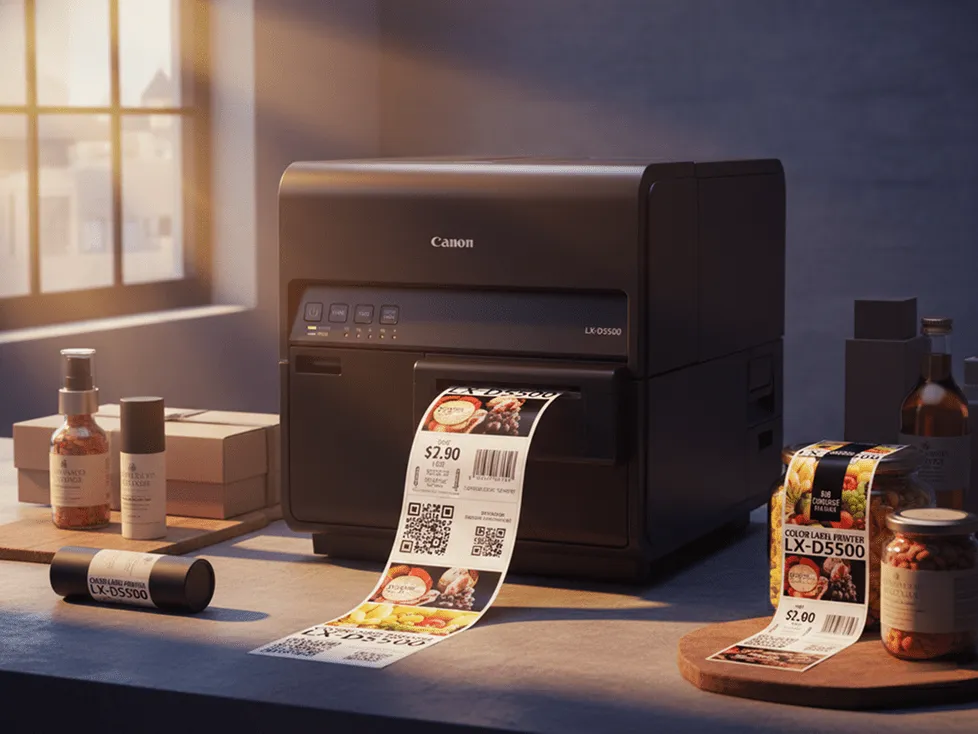
Featured printer
Canon LX-D5500
Dye ink at 50 to 200 mm/s on 240 ml cartridges. Canon's colour tier, for prime labels where fine text and brand colour accuracy matter.
See the LX-D5500 campaign →Ahearn & Soper supplies, configures and services Canon inkjet label printers in Canada.
Canon publishes its range as two ink chemistries, not one compromise.
The choice is durability against colour range. Pigment resists water, sunlight and abrasion, which is what a label needs once it leaves the building on a drum or a pallet. Dye lays down a wider colour range for labels that stay indoors and have to look right on a shelf. Canon builds these as two named categories, and its dye printer runs at 50 to 200 mm/s on 240 ml cartridges.
Three models
Which Canon label printer fits the work?
Three colour label printers, with the differences that actually decide it. Ink chemistry first, then speed, then how wide the label has to be.
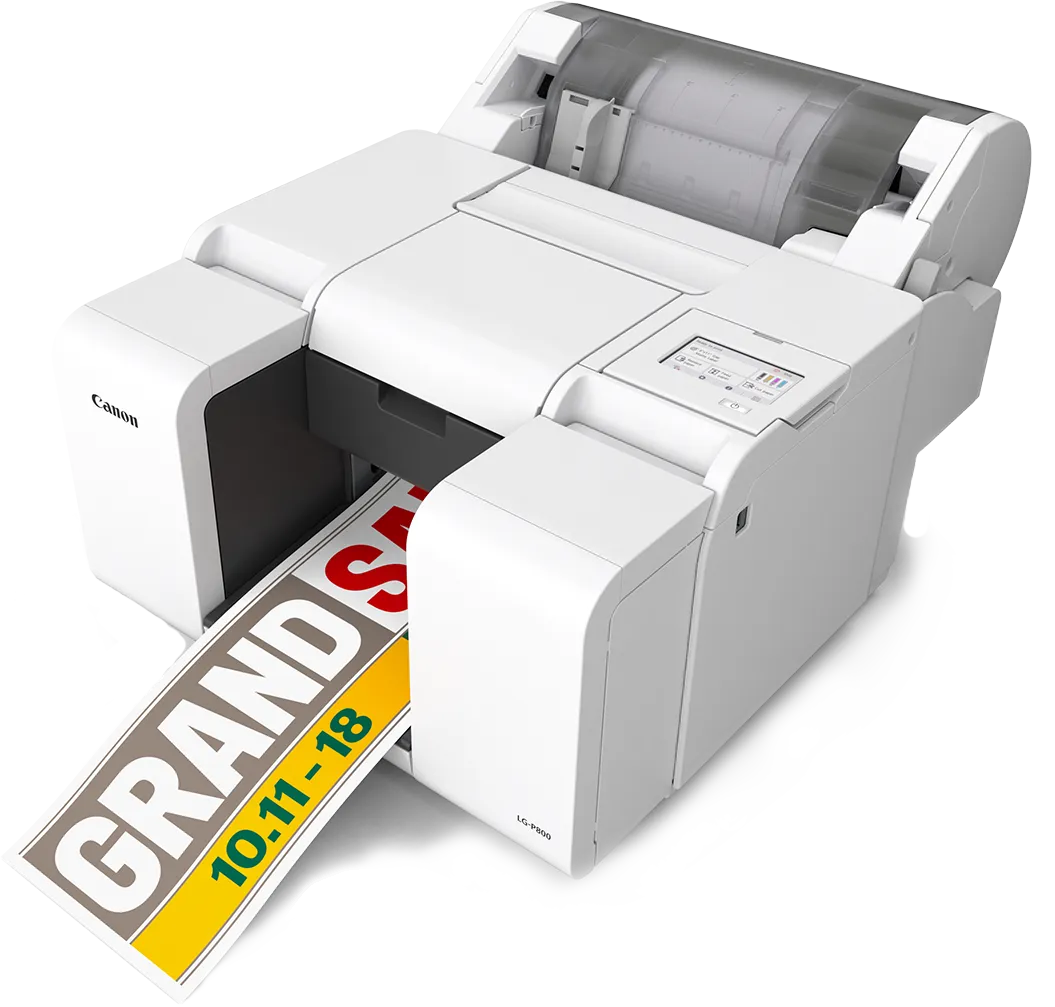
Canon LG-P800
Eight-inch pigment printer for the widest labels Canon publishes, at the slowest line speed in the range.
Wide labels for drums and pallets, where durability matters more than throughput
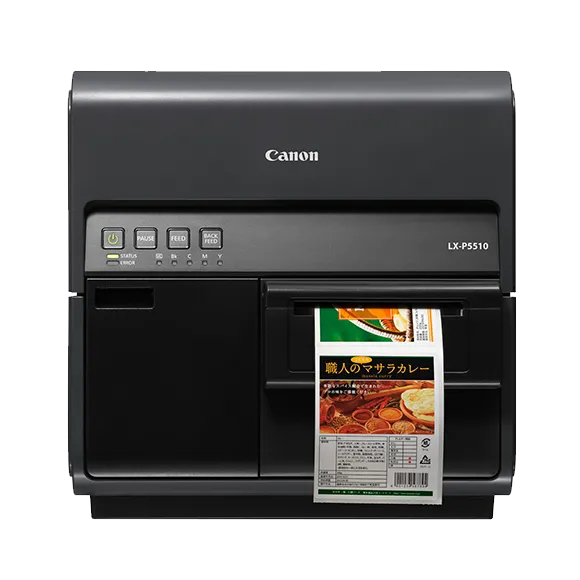
Canon LX-P5510
Four-inch pigment printer running up to 300 mm/s, for durable labels at volume.
Volume production where the label has to survive outdoors
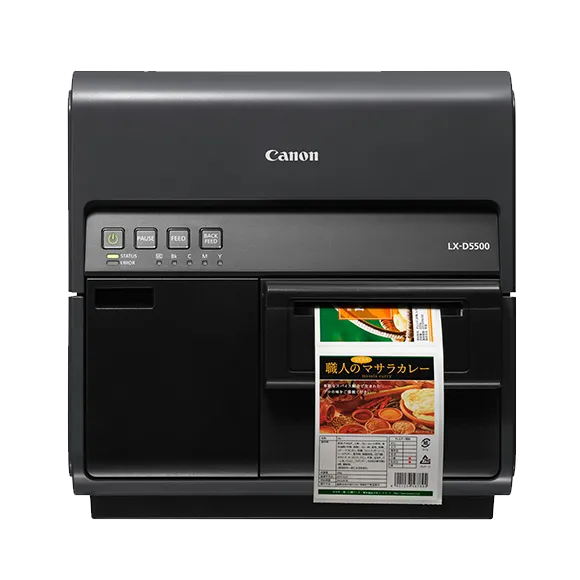
Canon LX-D5500
Four-inch dye printer running up to 200 mm/s, for a wider colour range on labels that stay indoors.
Product, retail and shelf labels printed at production speed
Why Ahearn
What Ahearn adds to a Canon printer.
The printer is one line on the quote. What decides whether it keeps running is the label under it, the contract behind it and the system driving it.
Media
The label, not just the printer
ProVision Labels builds blank and custom labels around the printer, the ribbon, the surface and the environment the label has to survive. Colour output is only as good as the stock under it.
Service
Service across Canada
Annual ProVision Service contracts, factory-certified technicians and OEM parts, with a response within 8 business hours inside 75 km of an Ahearn & Soper service location.
Integration
It has to talk to your system
ProVision WMS is built and supported in Canada, so the printer is specified against the system that drives it rather than bolted on afterwards.
Experience
Fifty years of this
Ahearn & Soper has spent 50 years in barcode and mobile identification, specifying hardware for Canadian warehouse, manufacturing and healthcare operations.
Talk to someone who has installed this before
Fifty years of putting warehouse, labelling and traceability systems into Canadian operations.
Four operations, four different reasons for colour.
Ink chemistry, media and duty cycle decide which model suits an operation. Here is what drives the choice in each of these four.
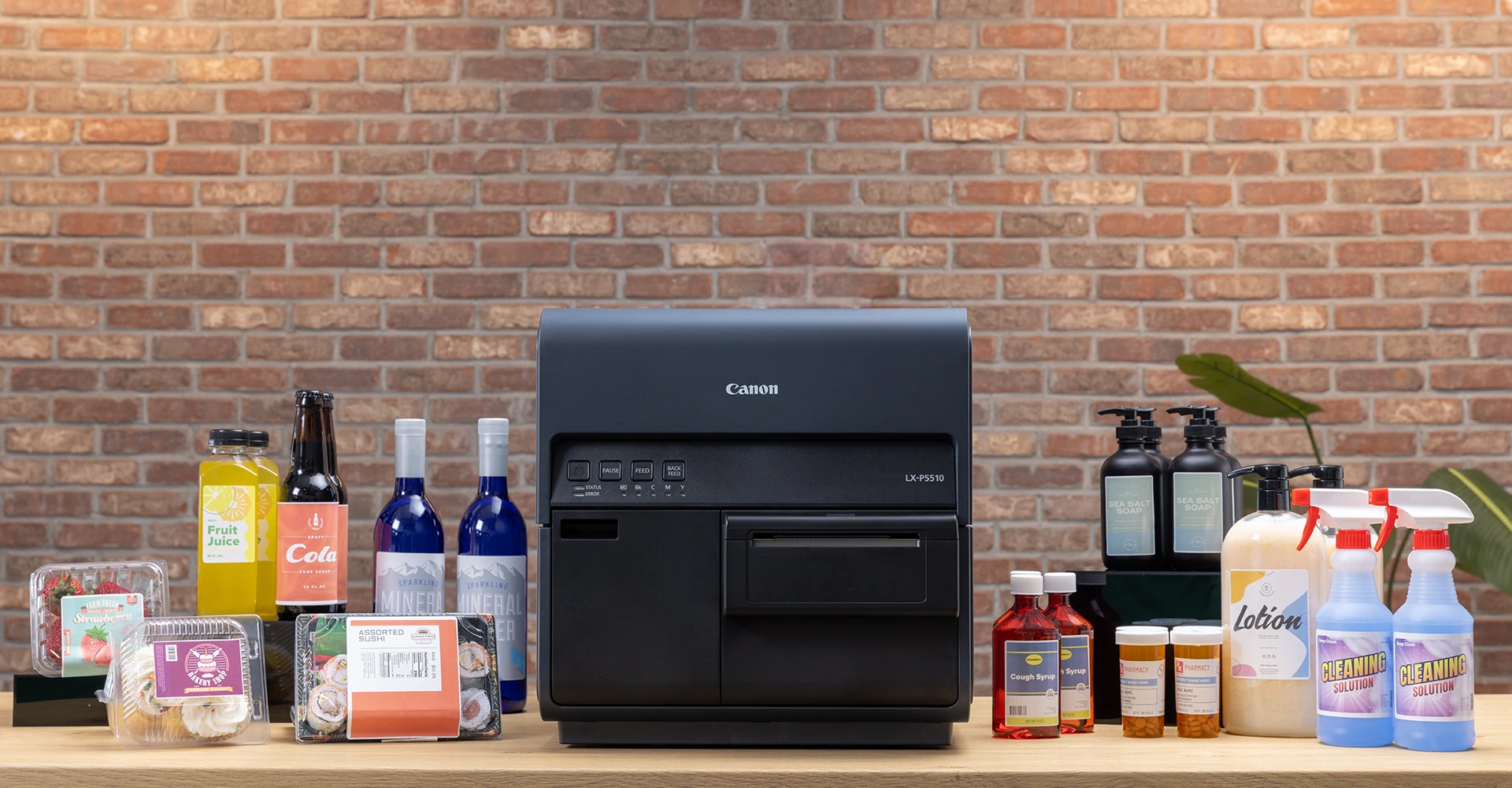
A pack change is a file, not a print order
Artwork can change between batches and be proofed on screen before it prints, so a shelf test is not blocked by lead time on pre-printed stock.
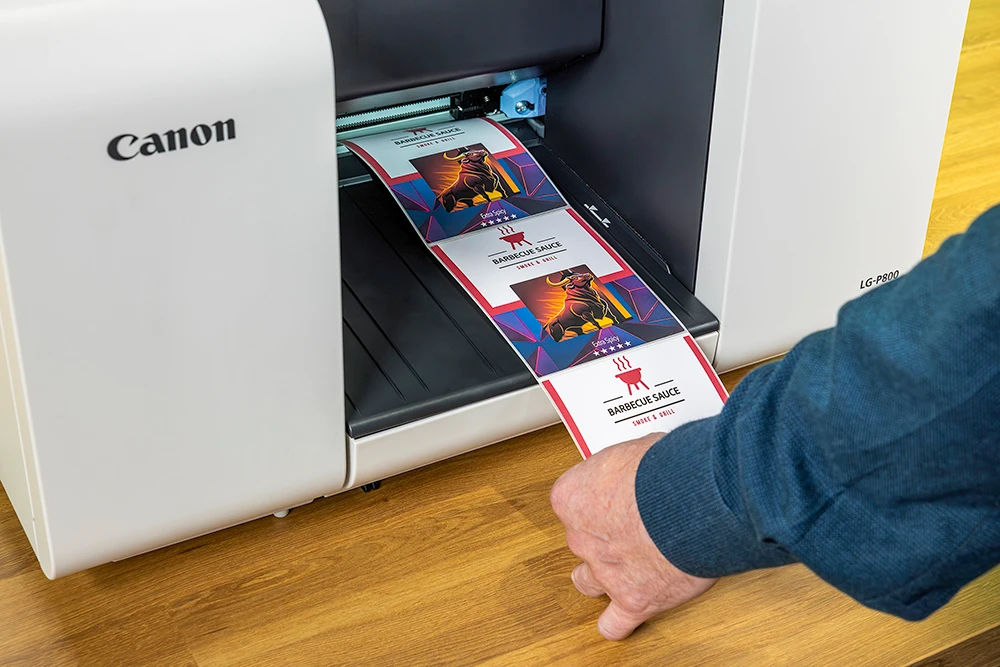
One label instead of a pre-print plus an overlay
The panel, the allergen highlight and the variable date code print together on one label, which takes a second labelling step off the line.
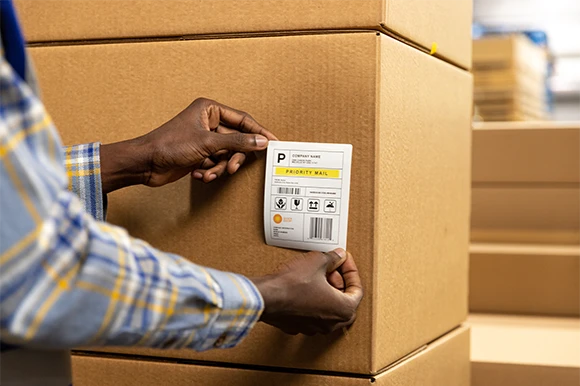
Carton and pallet labels printed at the dock
Address, routing and handling marks printed as the pallet is built, so nothing waits on a pre-printed carton label that no longer matches the order.
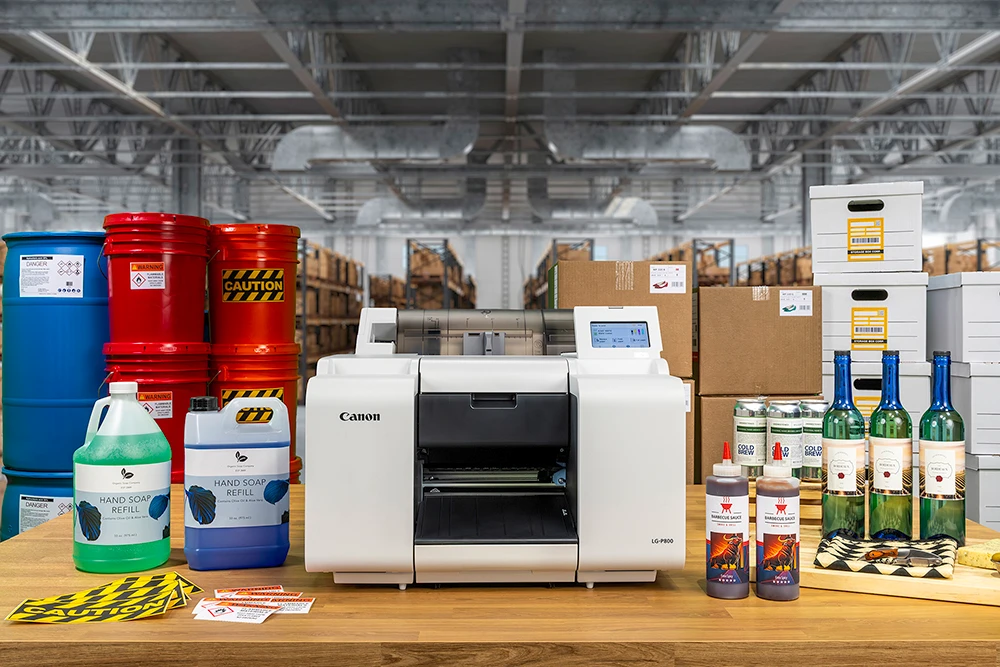
Work in progress that stays identifiable
Line-side and work in progress labels printed on demand, so a batch keeps its identity through the plant without someone hand-writing a travelling card.
What buyers ask before they choose an ink.
If yours is not here, ask it in the plan builder. You get a written answer from a specialist, not a brochure.
Ask a question in the plan builderWhat is the difference between pigment and dye on these printers?
Pigment ink resists water, sunlight and abrasion, which is what a label needs once it leaves the building on a drum or a pallet. Dye ink lays down a wider colour range for labels that stay indoors and have to look right on a shelf. Canon publishes the range as two named categories rather than one compromise, so the ink is chosen before the model is.
How wide a label can the LG-P800 print?
Up to 215.9 mm of print on media up to 216.0 mm wide, which is the 8.5-inch tier of the range. The LX-P5510 and LX-D5500 take media from 25.4 to 120.0 mm including liner, and print up to 105.9 mm with AIS on.
How fast are they?
The LG-P800 runs at 7.3 to 47.0 mm/s. The LX-P5510 runs at 50 to 300 mm/s and the LX-D5500 at 50 to 200 mm/s, and both LX models default to 200 mm/s, so the higher figure is a setting rather than what arrives out of the box. Actual throughput on any of them depends on the media and the artwork.
Ahearn & Soper also sells Epson ColorWorks. Which should I look at?
Canon's dye printer runs at 50 to 200 mm/s, and its pigment tier reaches 300 mm/s on the LX-P5510. The Epson ColorWorks page covers a pigment-led range including GHS and BS 5609 chemical labelling. If the label has to survive outdoors or carry a chemical hazard panel, start there. If the question is colour range on a product label that stays indoors, start here.
See the Epson ColorWorks rangeCan I buy these online?
There is no checkout for these on this page. Media, configuration and driver setup differ enough between the three that a specified quote is faster than a cart. Describe the label in the plan builder below and a specialist comes back with the model, the media construction and a price.
Is Ahearn & Soper an authorised Canon dealer?
Ahearn & Soper supplies, configures and services Canon inkjet label printers in Canada, with service contracts, OEM parts and field technicians behind them. If your procurement process needs a specific programme status confirmed in writing, ask in the plan builder below and you will get it in writing.
Describe the label. We will name the model.
Ink chemistry, media width and monthly volume decide this more than the model number does. Send the label you run today, or the one you want to run, and a specialist comes back with the model, the media construction and a price.
The work
What the label is for, where it ends up, and roughly how many a month. That is what separates pigment from dye before any model comes into it.
The kit
What prints today, and what has to be able to trigger a print. A printer no system can call is a person re-keying labels.
Where to send it
A name, a work email and a company. A specialist replies in writing, with the assumptions set out, rather than sending a brochure.
Start your spec
A specialist reads every one of these. Describe the label and the environment, not a job title, and you get a spec back.
We use what you send to answer your question. We do not sell or share it.