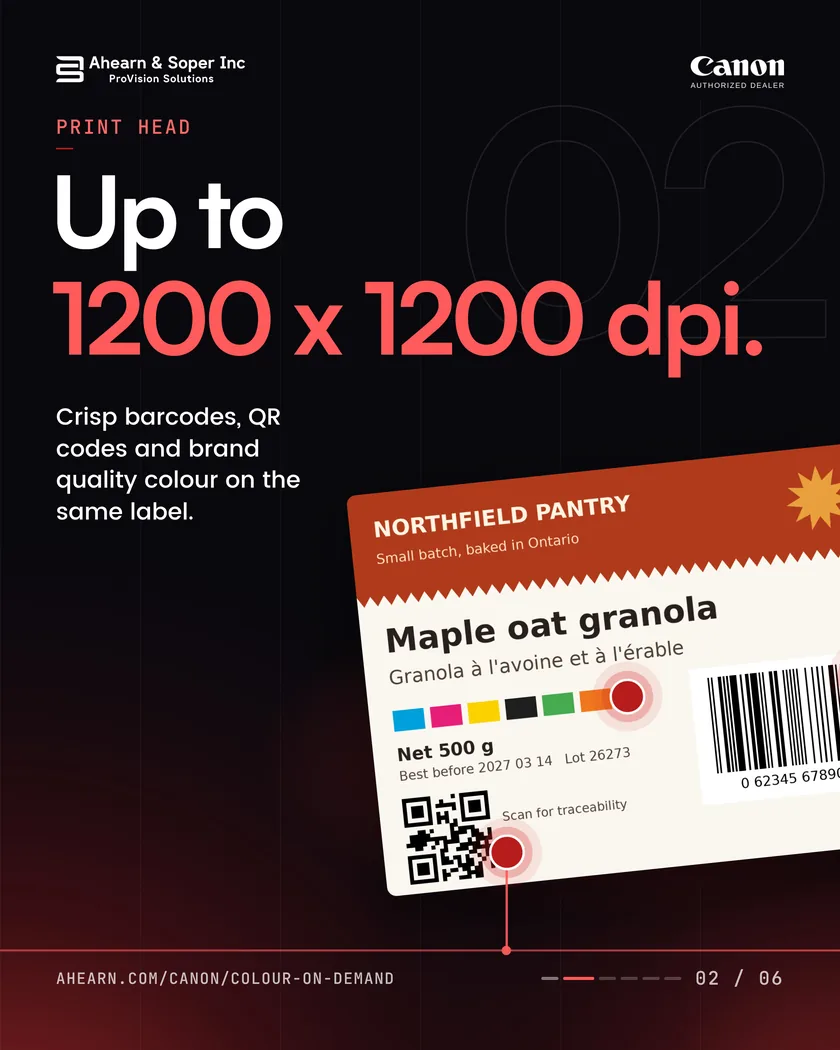
1200 x 1200dpi
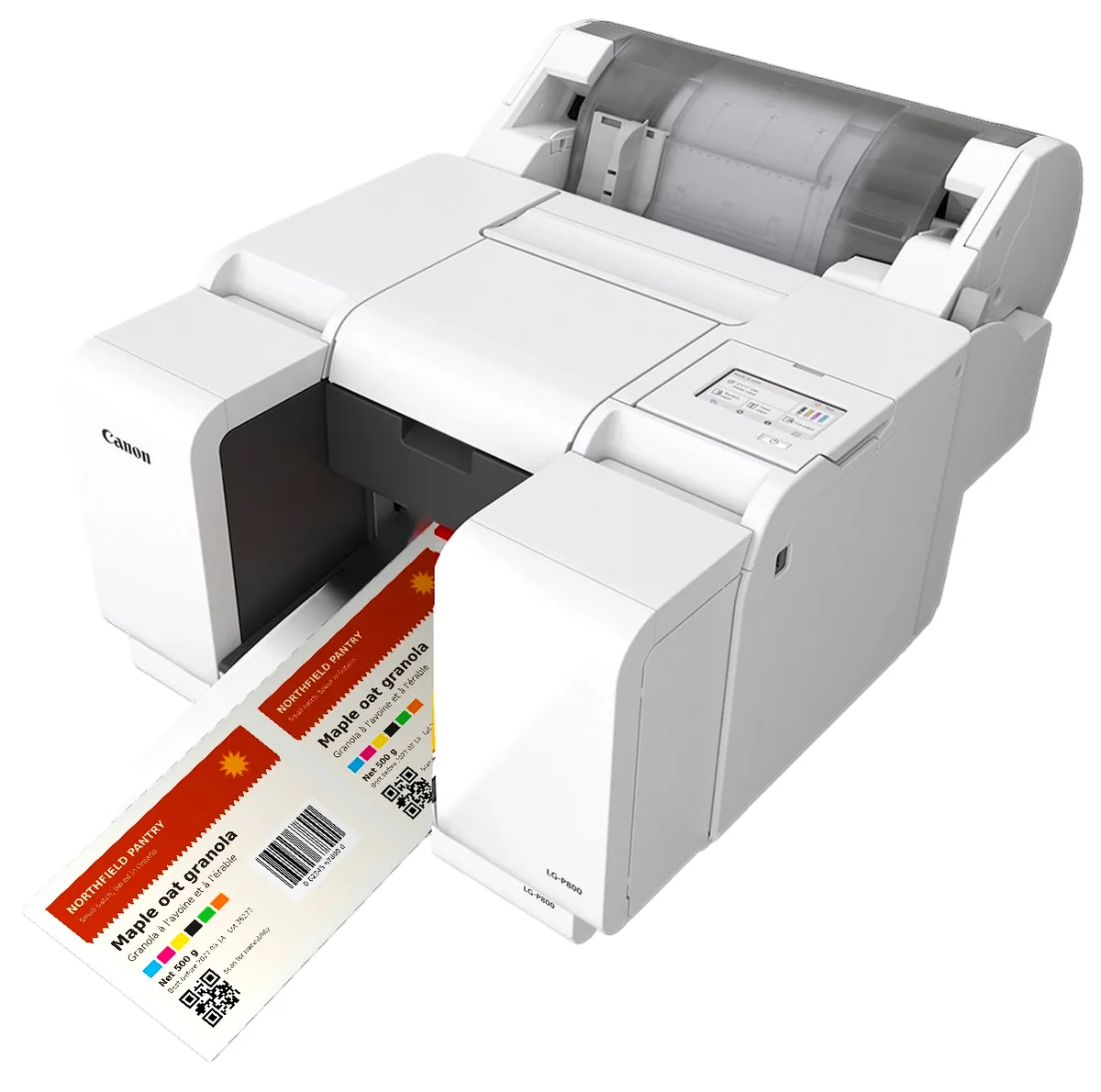
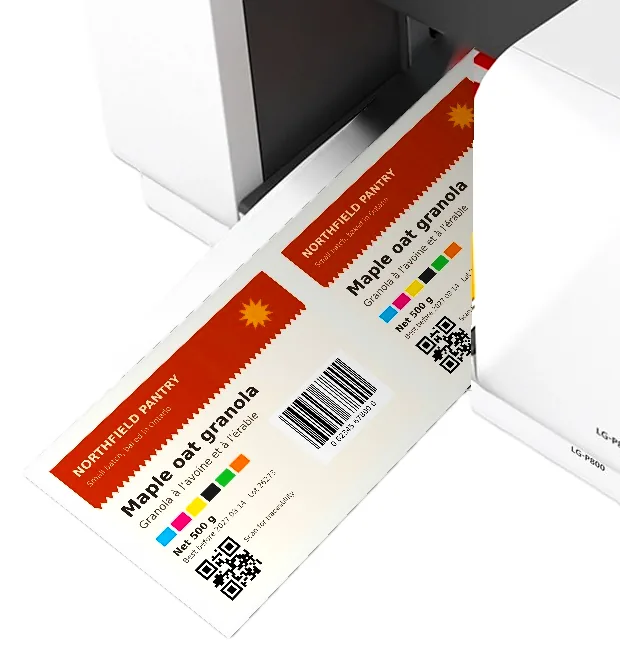
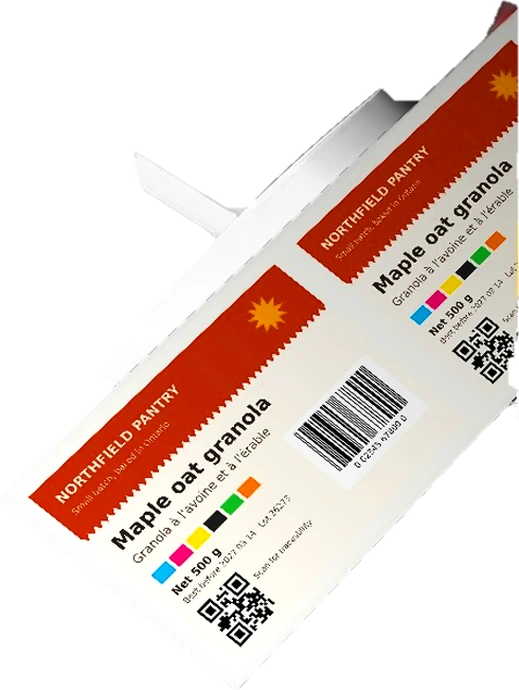
Maximum print resolution, for clear barcodes, QR codes and variable data.
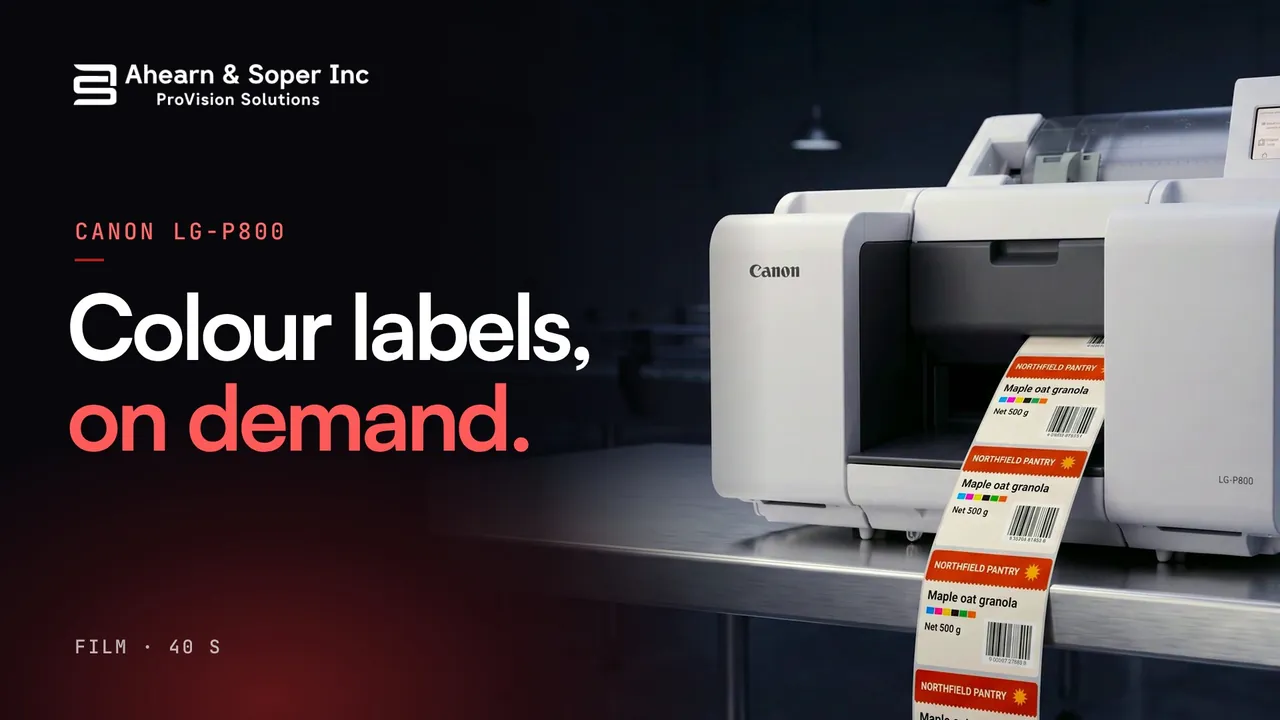
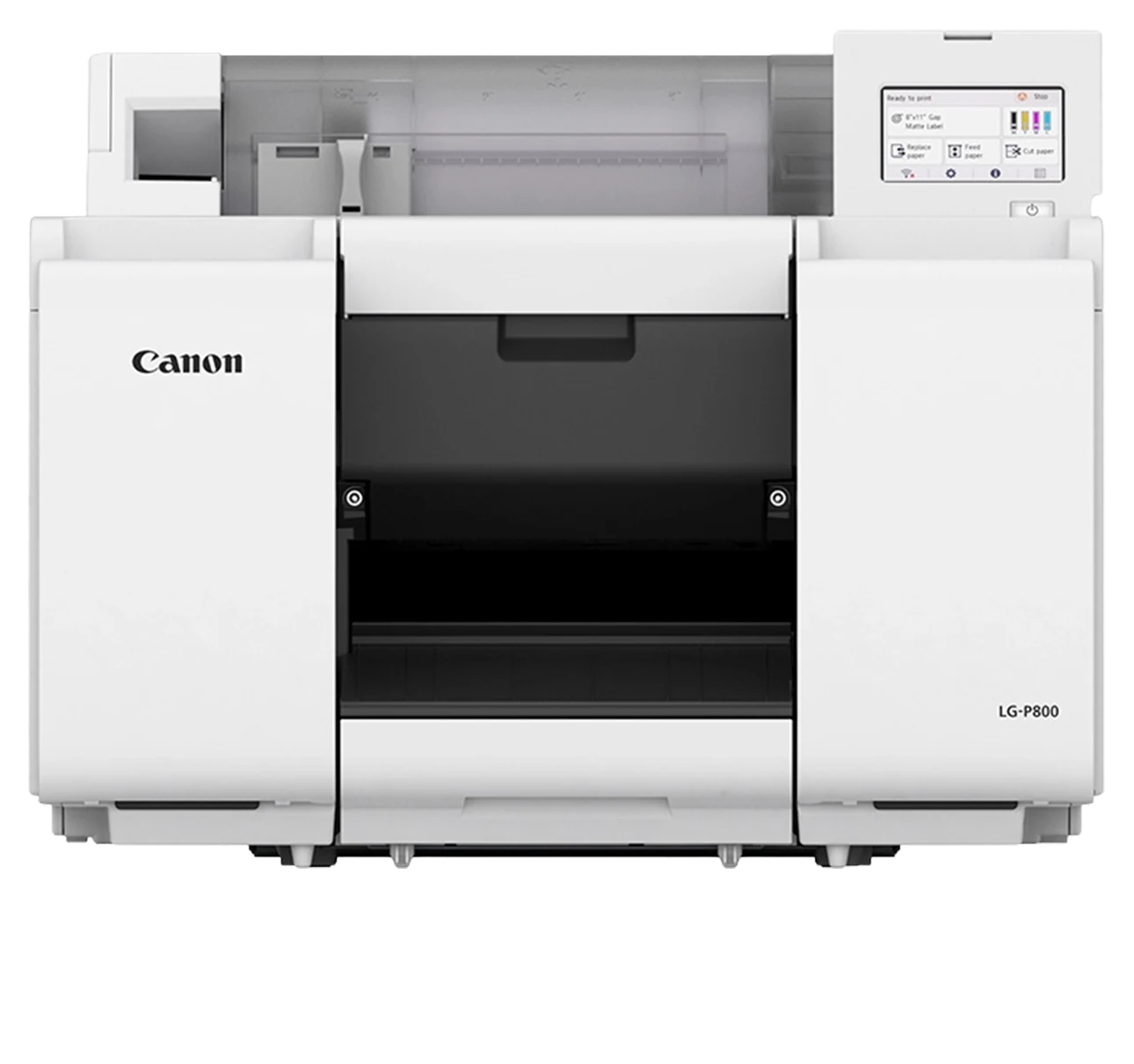
Canon LG-P800 · 8 in colour label printer
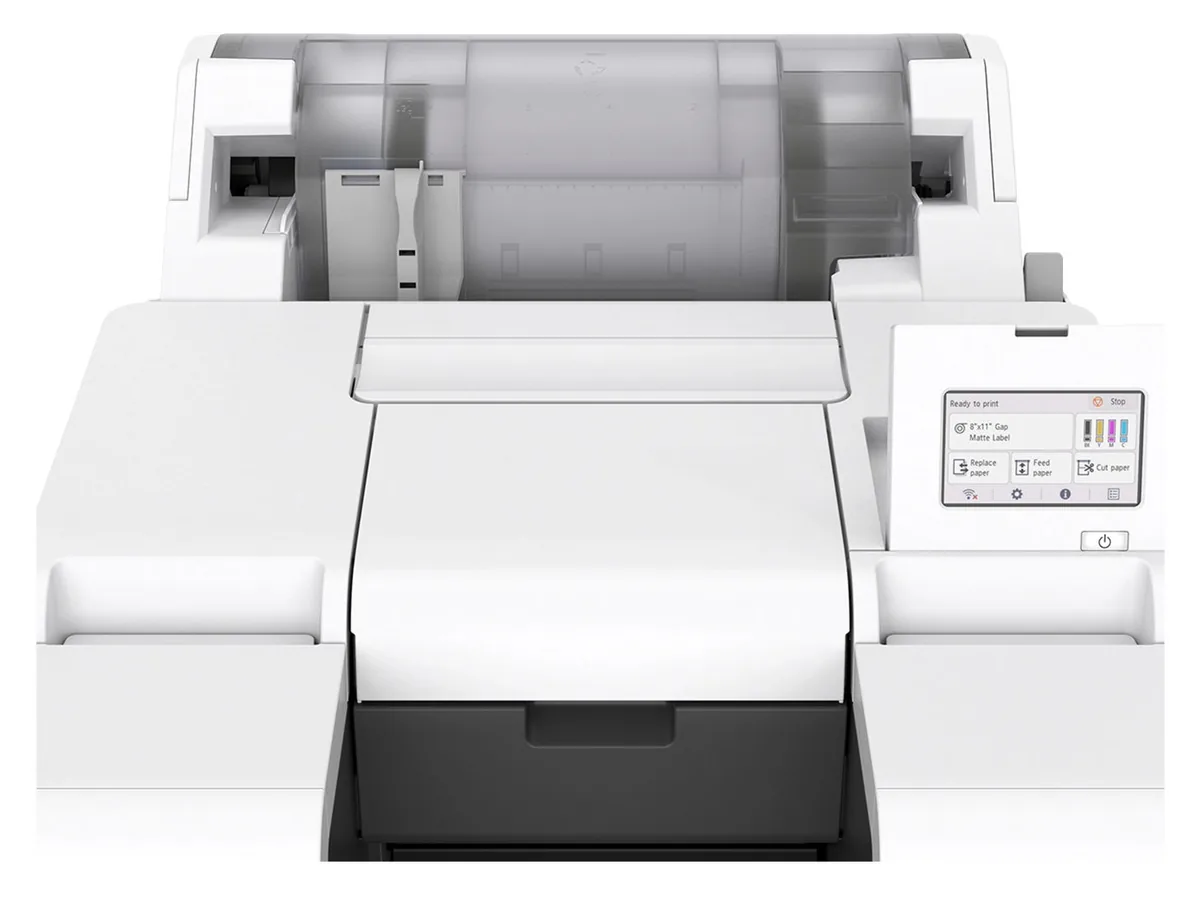
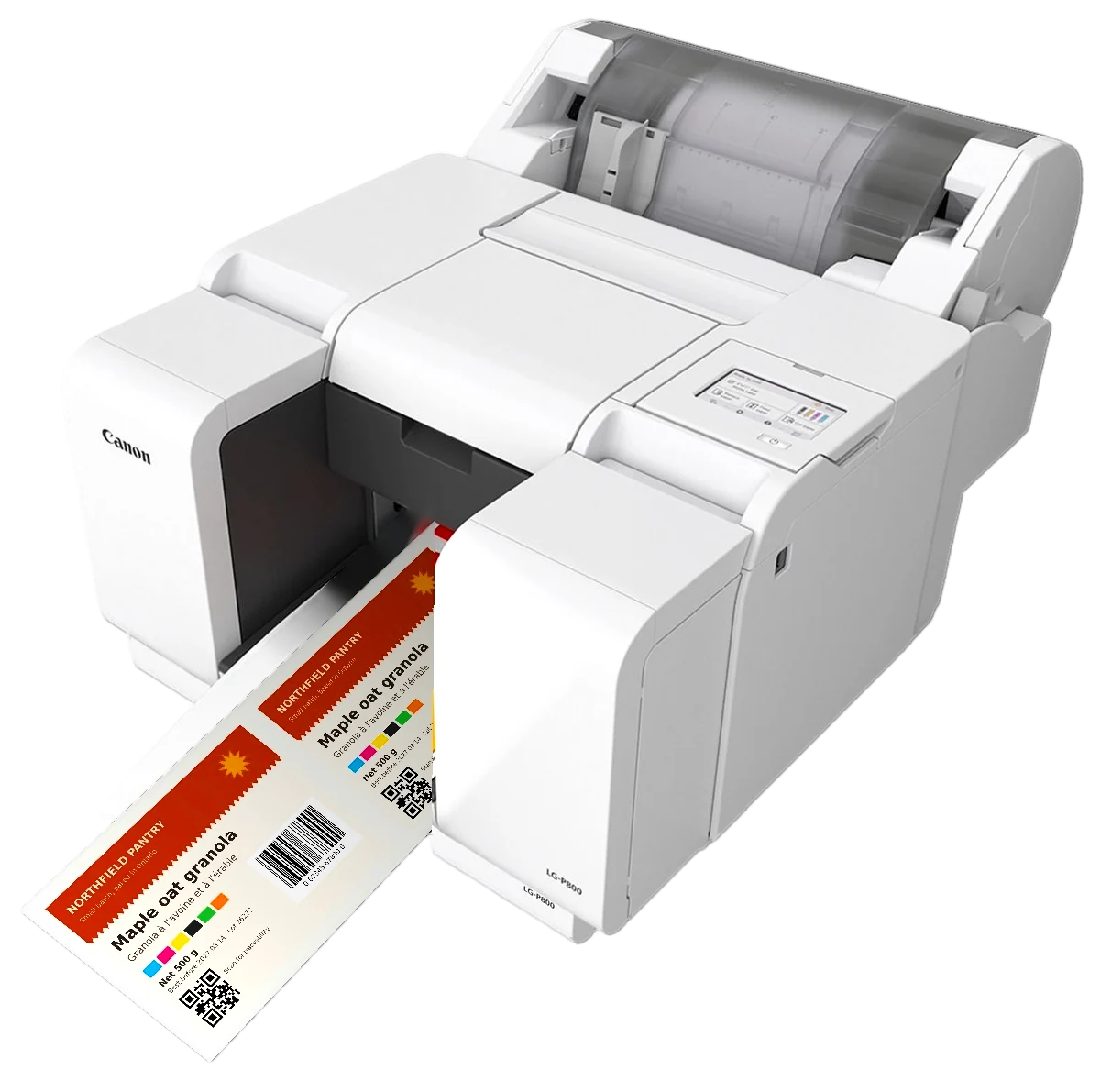
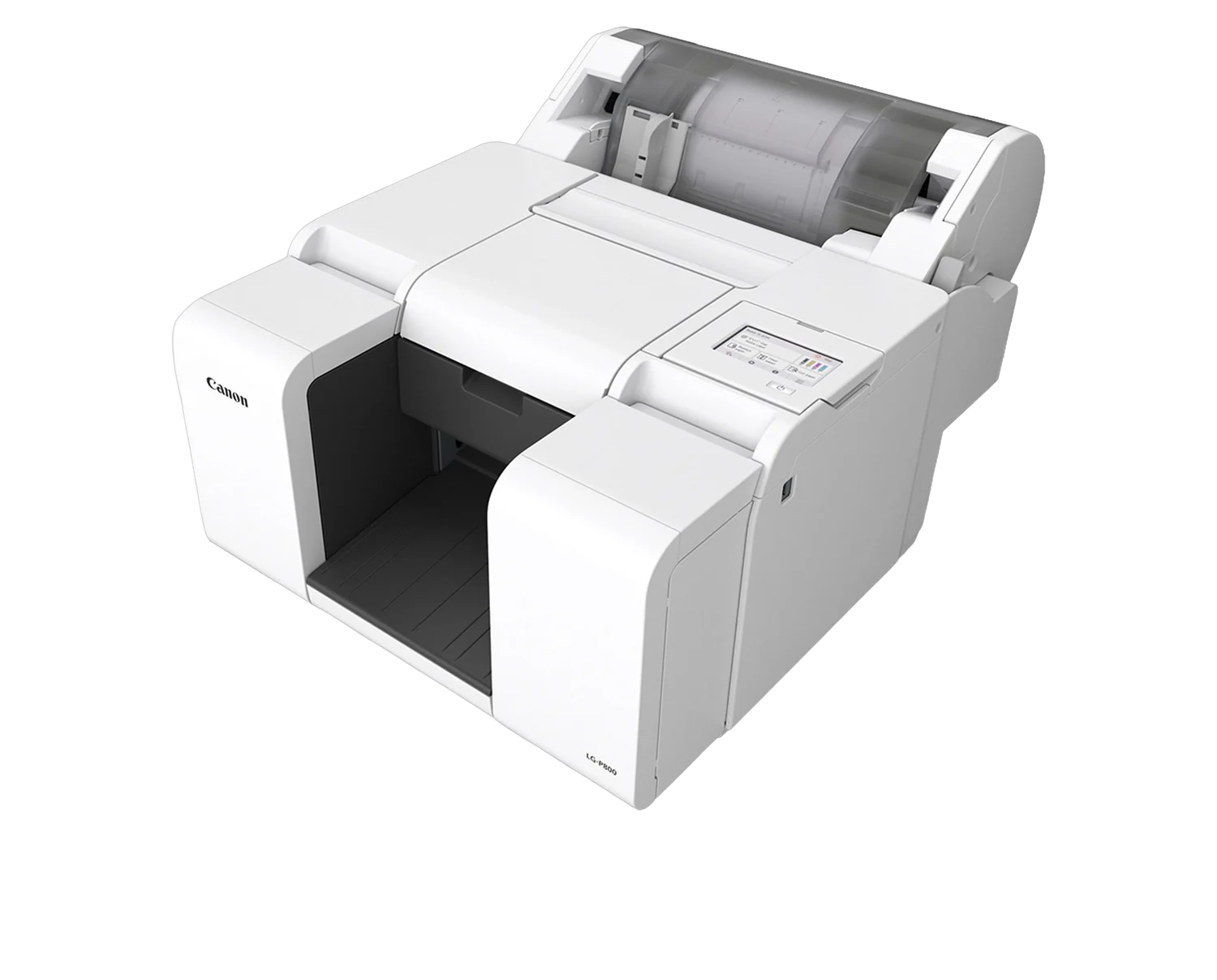
The Canon LG-P800 is an 8 inch colour label printer. Print brand quality labels in-house, up to 1200 x 1200 dpi, the day the SKU changes.

Installed, trained and serviced across Canada by Ahearn & Soper, an authorised Canon Canada partner.
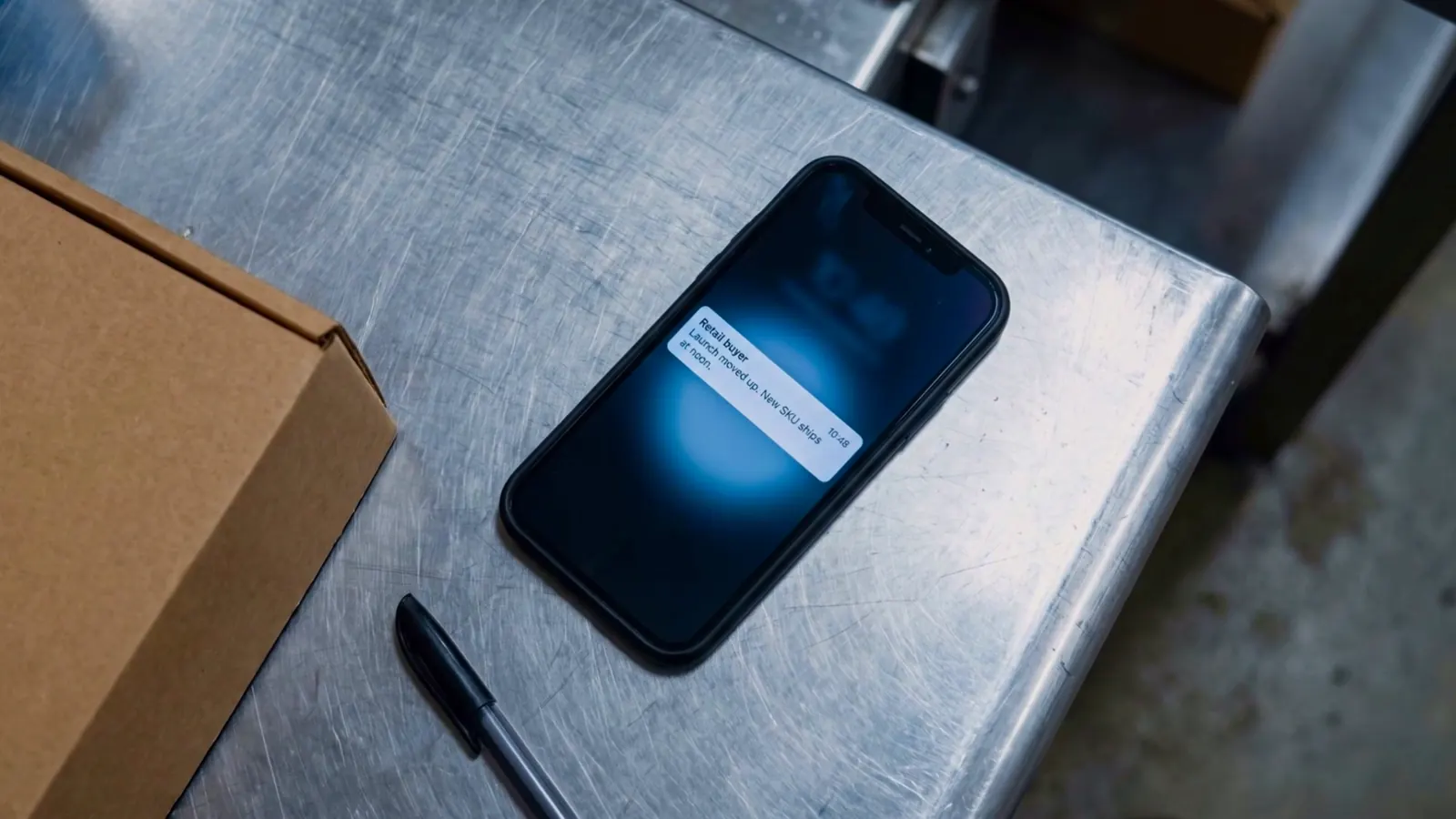
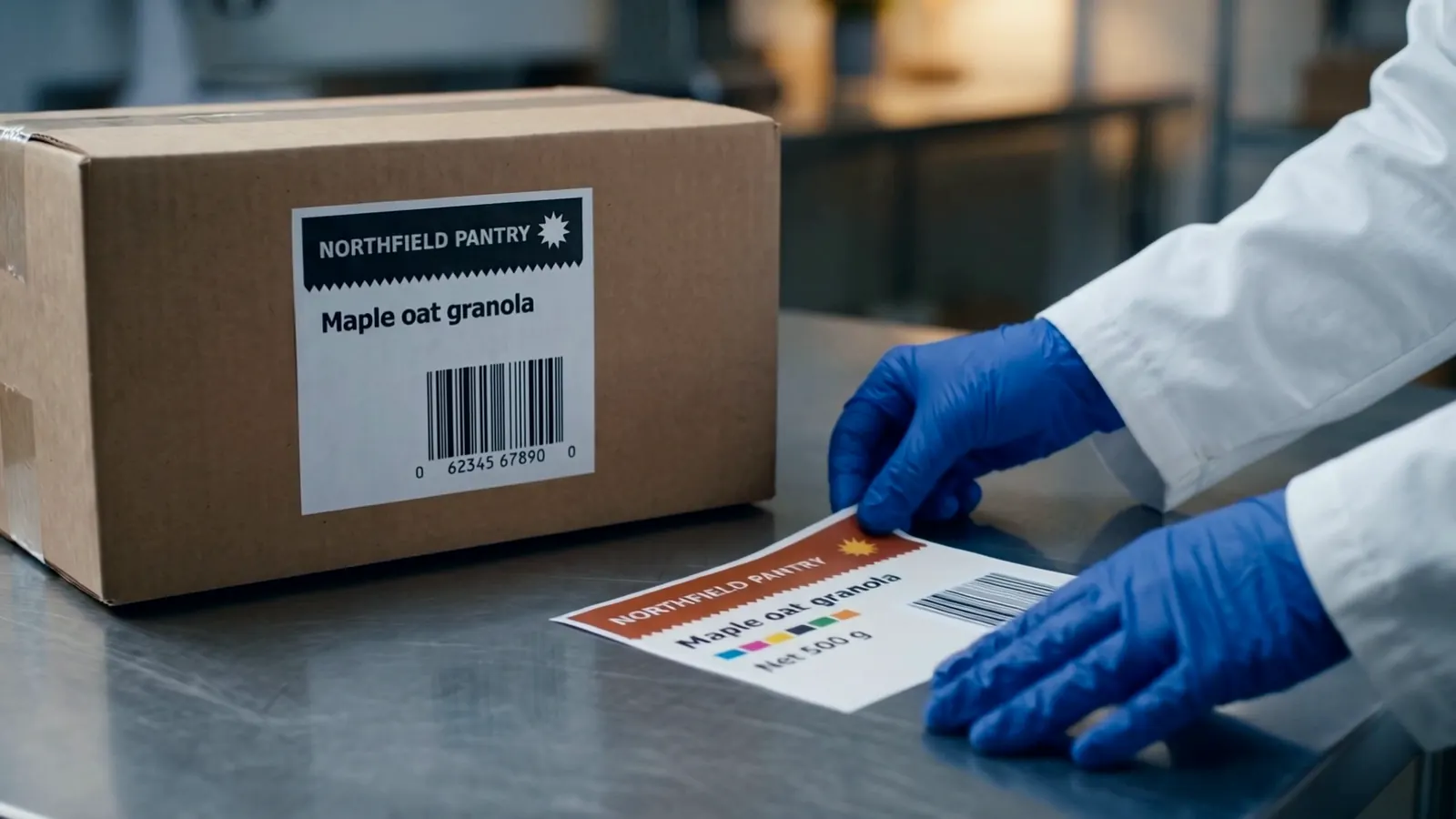
The noon problem
01
It needs its own label, in colour.
02
Last quarter’s labels don’t match today’s spec, so they get written off.

03
Days the line doesn’t have.
So, bring it in-house.
How it works
From loading the media to reprinting tomorrow’s run, everything happens at the printer.
*Results vary depending on media used.
Inside the LG-P800
Scroll and each part lights up in turn. Traced from Canon’s own product photo.
Show the photo02Print head
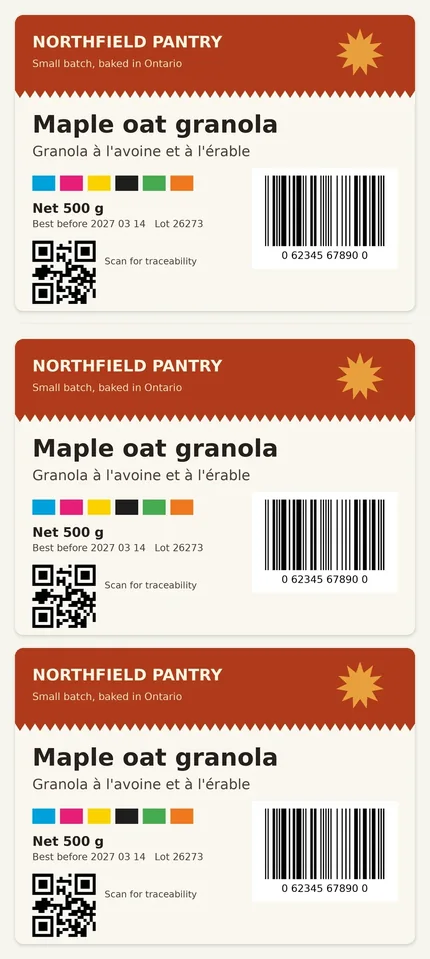
Crisp barcodes, QR codes and brand quality colour.
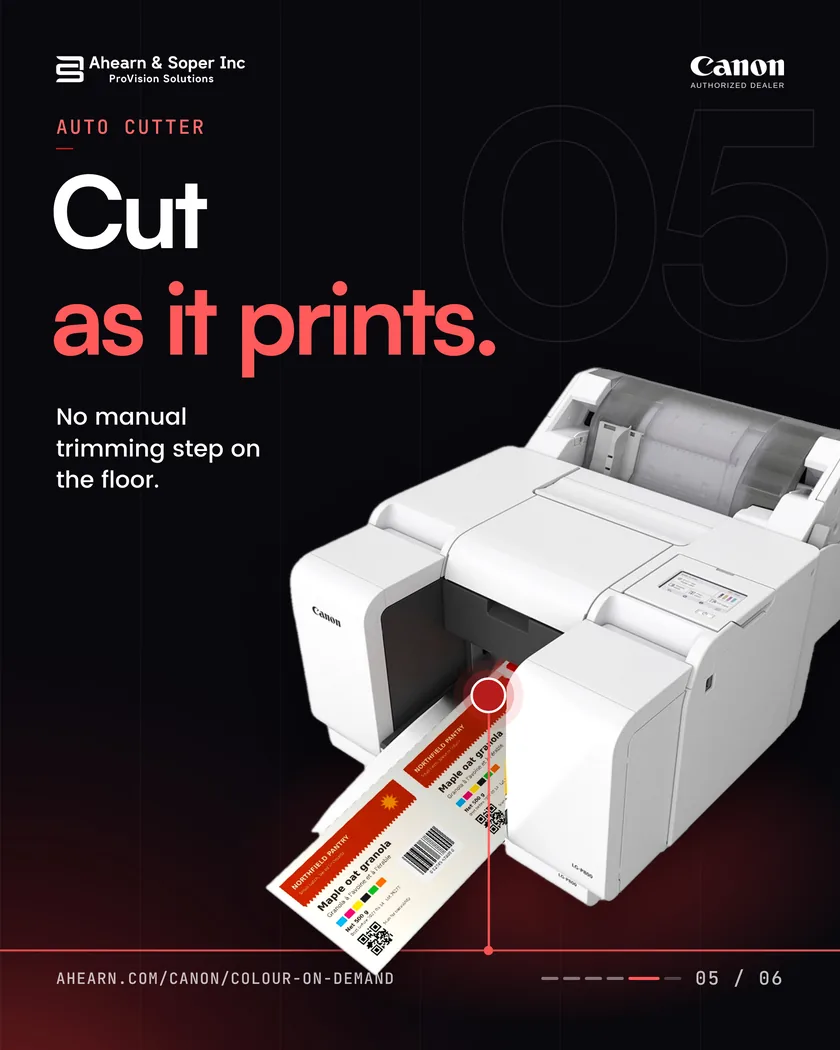
05Auto cutter
Built-in auto cutter for workflow efficiency.
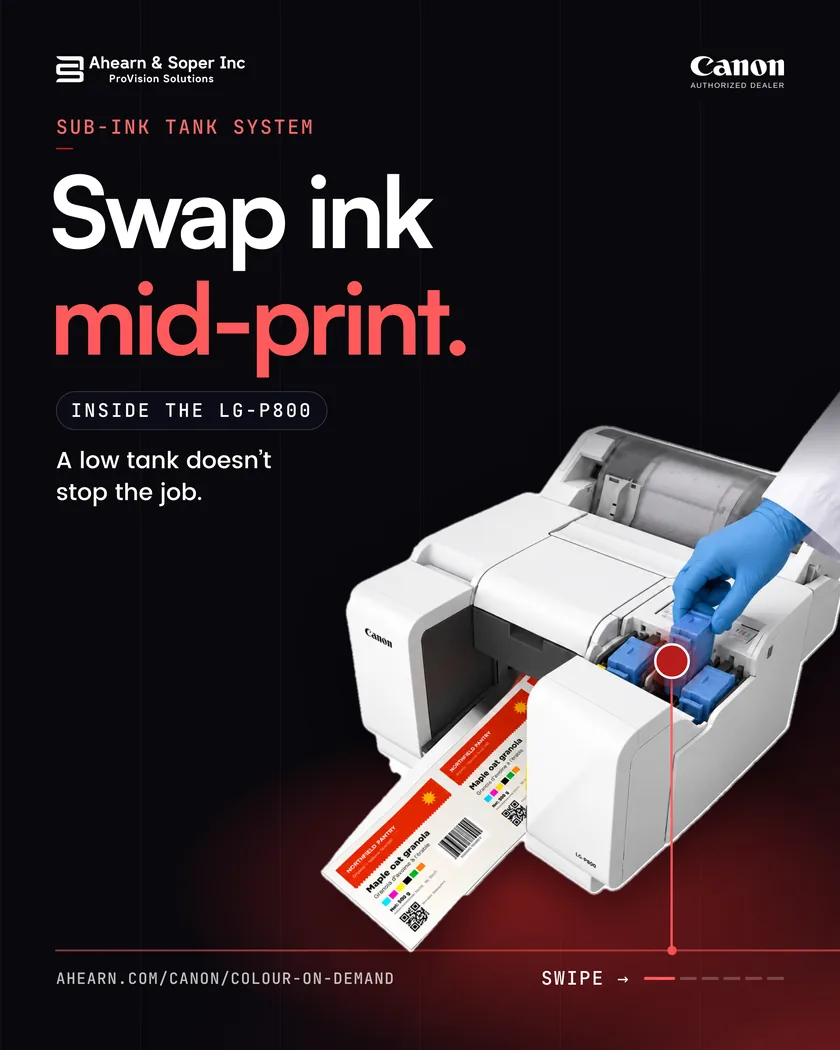
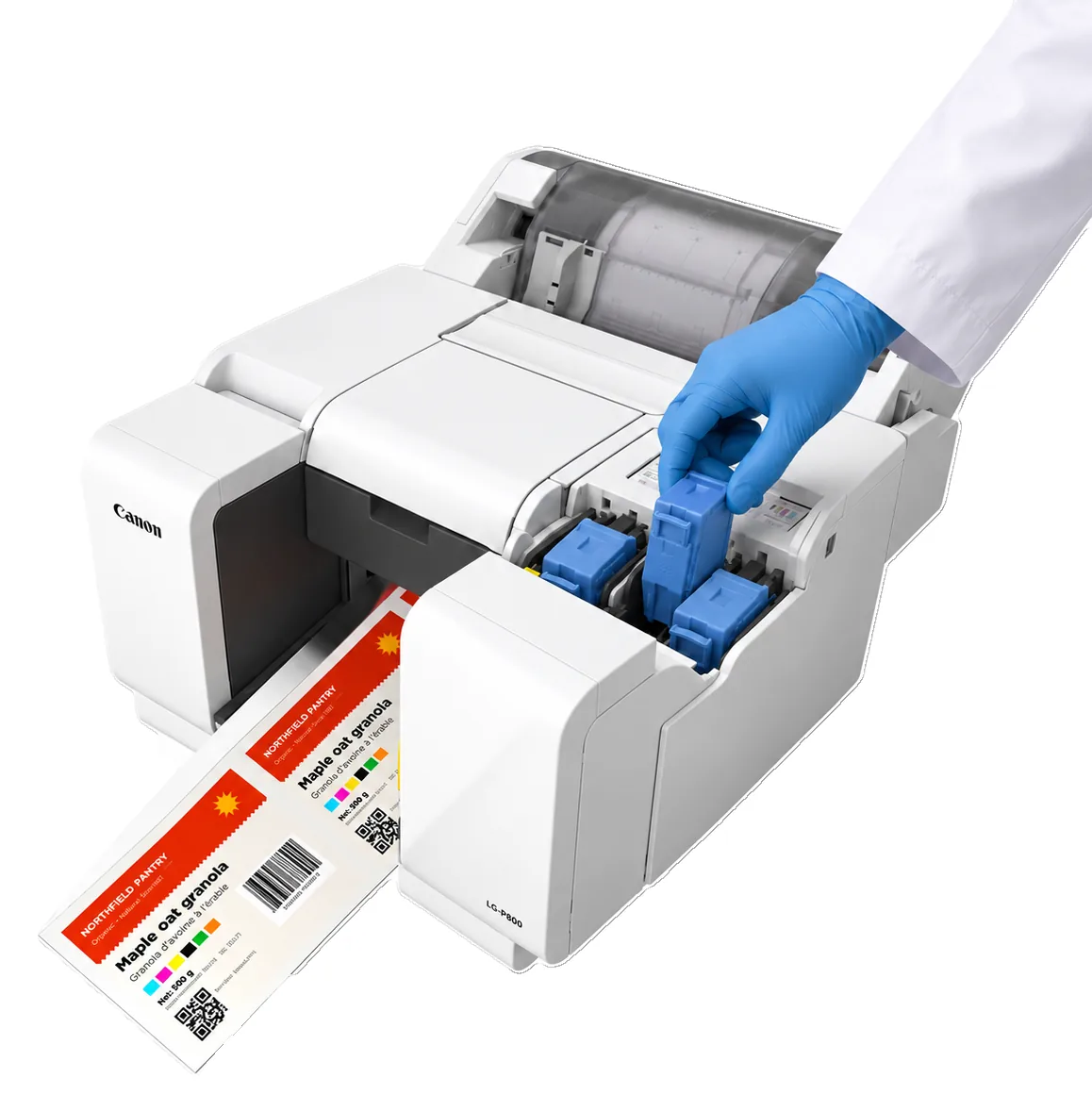
01Sub-Ink Tank System
A low tank doesn’t stop the job.
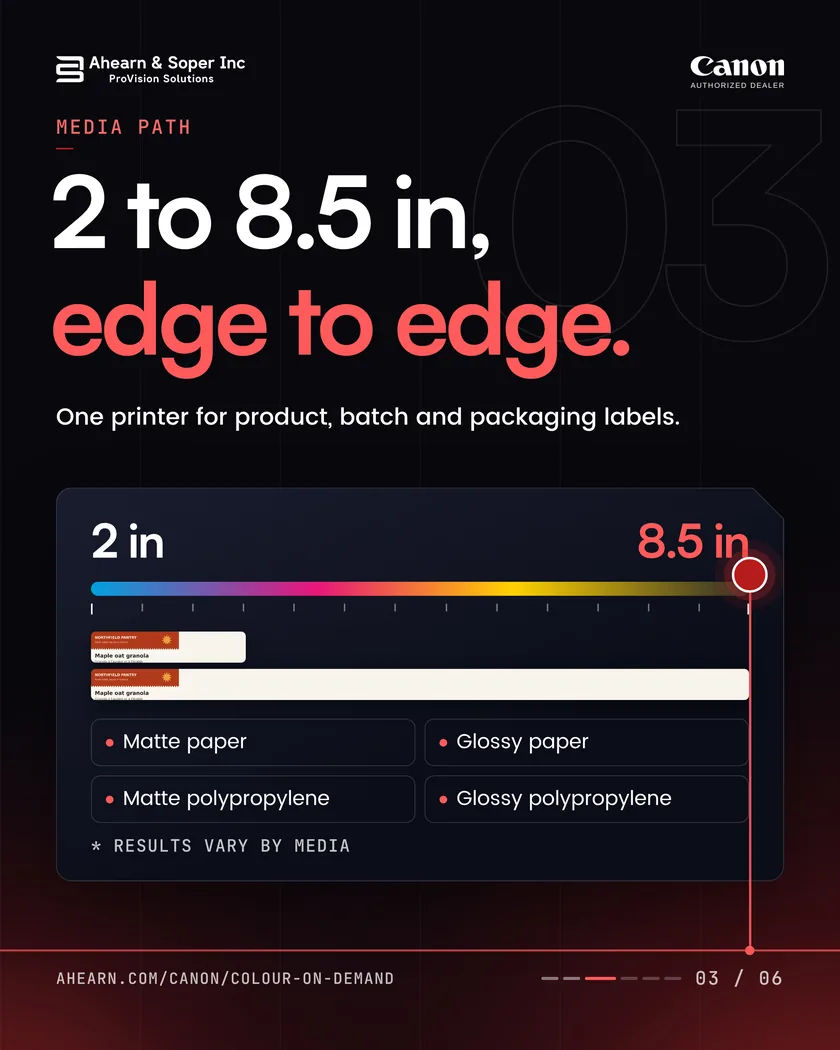
03Media path
Matte and gloss inkjet-compatible media.*
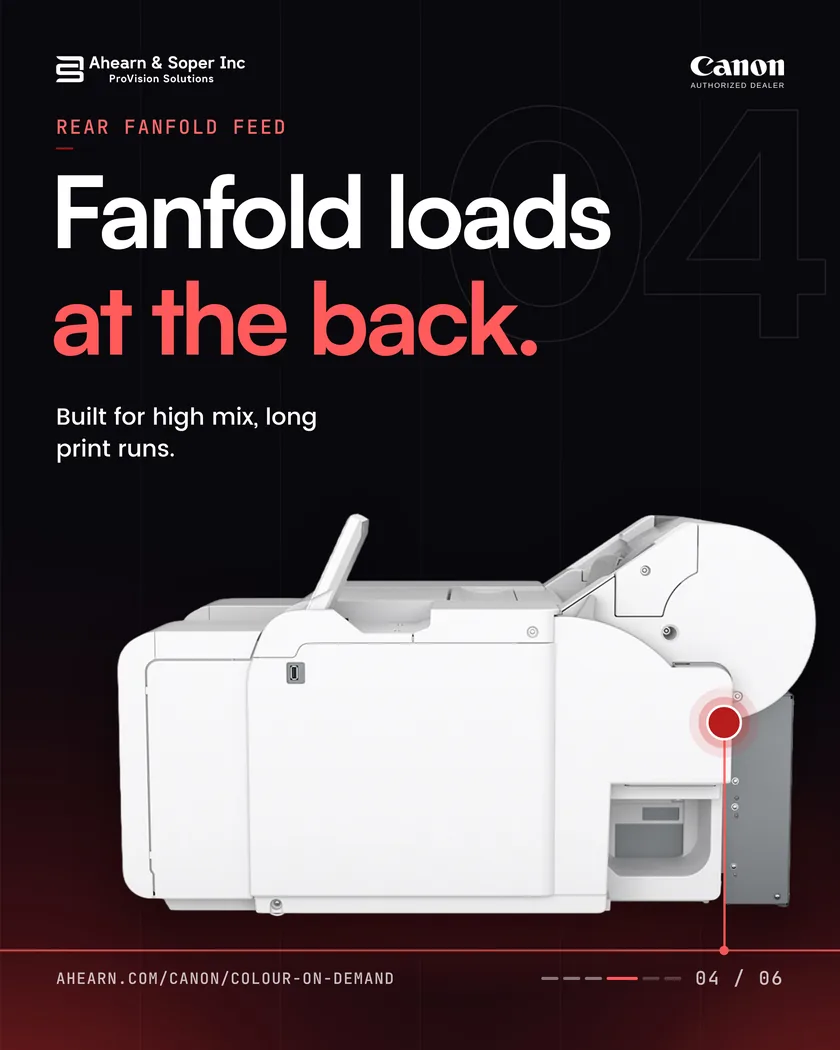
04Rear fanfold feed
Built for high mix, long print runs.
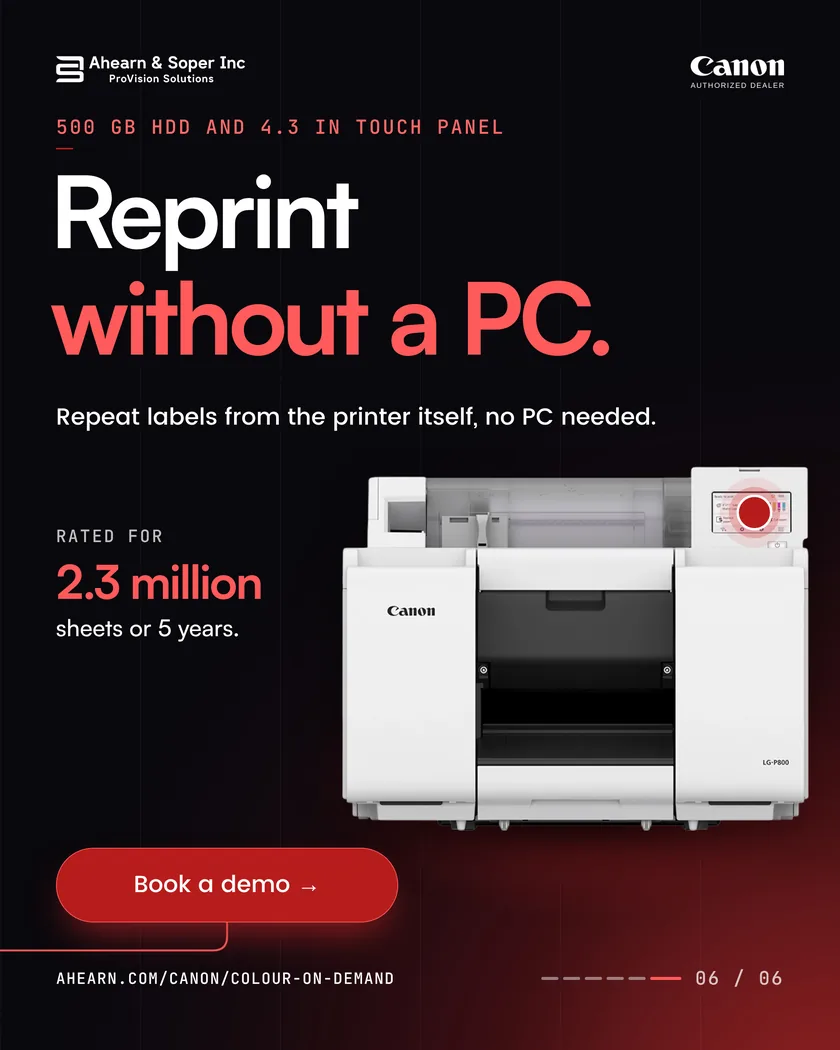
06500 GB HDD and 4.3 in touch panel
Pick stored jobs on the printer itself.
Rated for 2.3 million sheets or 5 years. *Results vary depending on media used.
Canon LG-P800 specifications
An 8 inch pigment-based colour inkjet label printer with up to 1200 x 1200 dpi, 2 to 8.5 in wide media, four 300 ml ink tanks, a 500 GB HDD and a 4.3 in touch panel.
1200 x 1200dpi
Maximum print resolution, for clear barcodes, QR codes and variable data.
2 to 8.5in
Media width, including liner.
300ml
Per ink tank. Swap a tank on the fly, without stopping the printer.
500GB
HDD for stored jobs you reprint at the printer.
4.3in
LCD touch panel to check status and adjust settings.
2.3million
Sheets or 5 years, product life per Canon.
Print method
Pigment-based inkjet, 4 ink tanks (C, M, Y, K)
Print speed
7.3 to 47.0 mm/s. Default on matte coated media: 14.0 mm/s standard, 26.1 mm/s fast
Media
Roll (with roll holder) or fanfold, inkjet coated matte or glossy
Media size
Width 2.0 to 8.5 in (50.9 to 216.0 mm) including liner. Length 1.5 to 53.0 in (38.1 to 1,346.2 mm)
Media thickness
5.0 to 8.5 mil (0.1 to 0.2 mm)
Roll capacity
Outer diameter up to 6.0 in (152.4 mm) on a 3.0 in ± 0.04 in (76.2 ± 1.0 mm) core
Fanfold capacity
Stack height up to 11.8 in (300 mm)
Minimum margins
Top and bottom 3.0 mm, left and right 1.5 mm
Connectivity
USB 2.0 Hi-Speed, Ethernet 1000BASE-T, 100BASE-TX and 10BASE-T
Operating systems
Windows 11, Windows Server 2016, 2019, 2022 and 2025 Standard
Dimensions and weight
22.5 x 29.4 x 17.2 in (W x D x H), 36 kg (79.4 lb)
Energy
ENERGY STAR qualified. About 53 W operating, 1.9 W sleep
Source: Canon Canada LG-P800 brochure. Print speeds vary with configuration, media and print mode. Results vary depending on media used.
Quick fit check
Enter your label and watch it drawn to scale on the LG-P800 media path. We check it against Canon’s published limits as you type. Nothing is sent anywhere.
The film
Watch a plant team get a new colour label onto the line the same day.

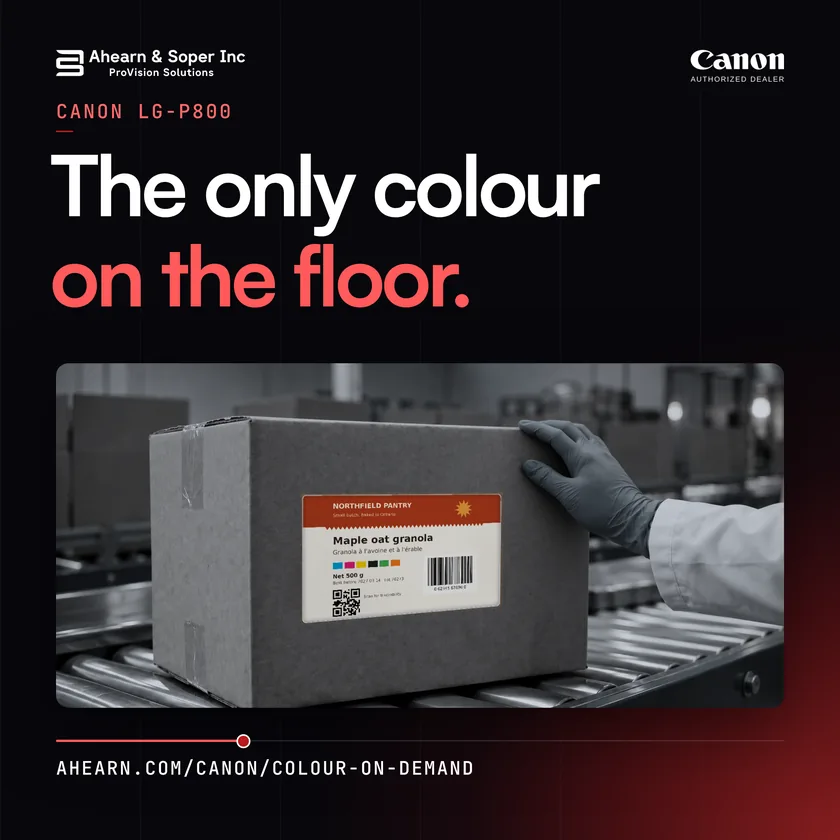
Grey cartons, grey racking, and one label in colour, printed on your own floor the day the SKU changes. #LabelPrinting #Manufacturing
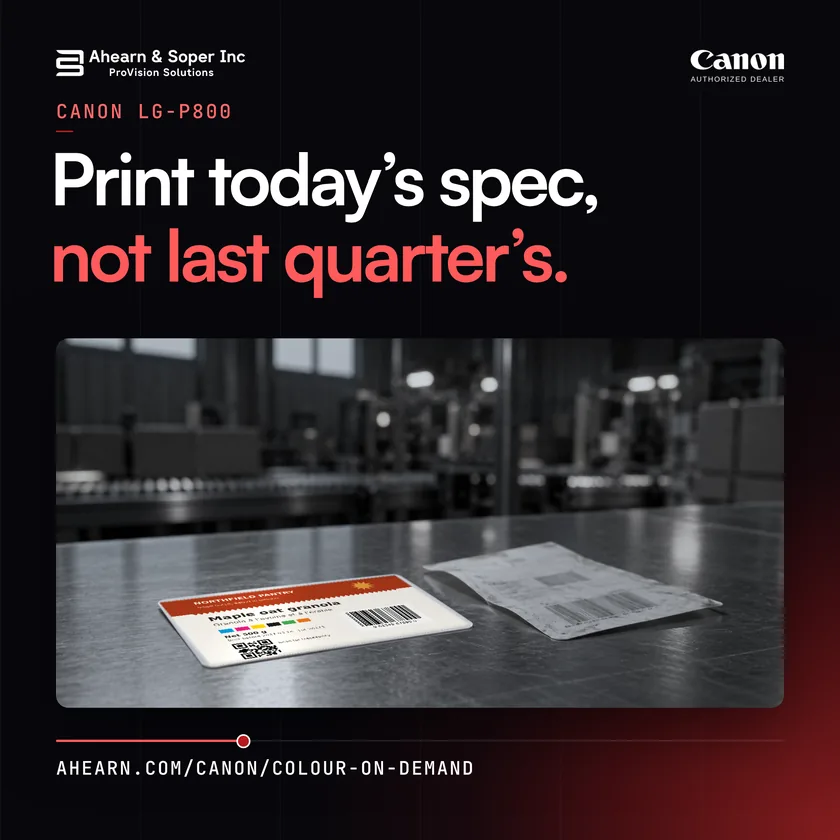
When the spec changes, print the new one. The old pre-printed stock never gets made. #LabelPrinting #Manufacturing
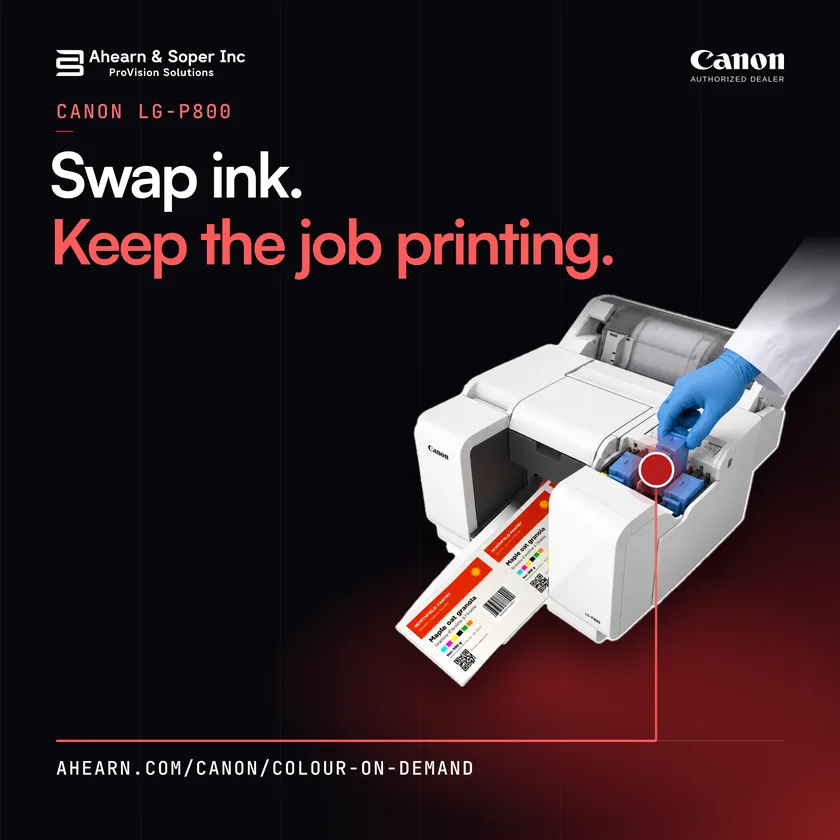
A low ink tank shouldn’t stop the job. On the Canon LG-P800 you swap ink tanks while it keeps printing, without stopping the printer. #LabelPrinting #Manufacturing
Whitepaper
A 12 page paper for operations, quality and packaging leaders: where the hidden cost of pre-printed and outsourced colour comes from, why it is rising, and how on-demand printing removes it.
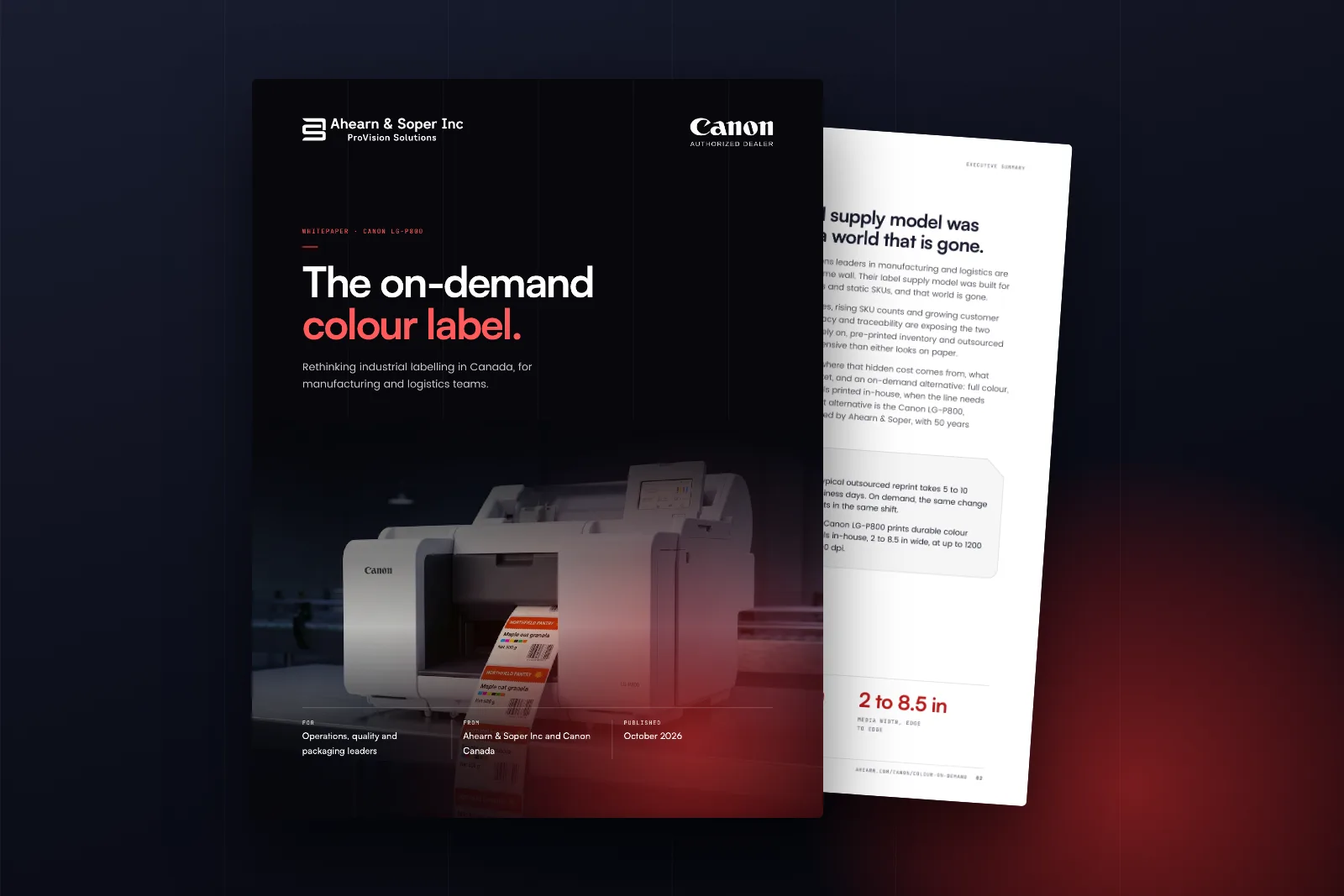
We will email you the PDF, and you can download it straight away.
It is on its way.
Check your inbox for the link. You can also download the whitepaper now.
Download the PDF, 5.6 MBThat did not go through. Check the fields and try again, or call 800-263-4258.
Next steps
Canon LG-P800
Installed, trained and serviced across Canada by Ahearn & Soper, an authorised Canon Canada partner.
ProVision WMS ROI calculator
Estimate what ProVision WMS could save across receiving, picking, packing and shipping. Rough estimates; a WMS specialist confirms the real figure.
Estimate your paybackLabel spec matcher
Size, material and finish, all in one pass.
Open the matcherSolution advisor
Answer a few questions and get a recommendation.
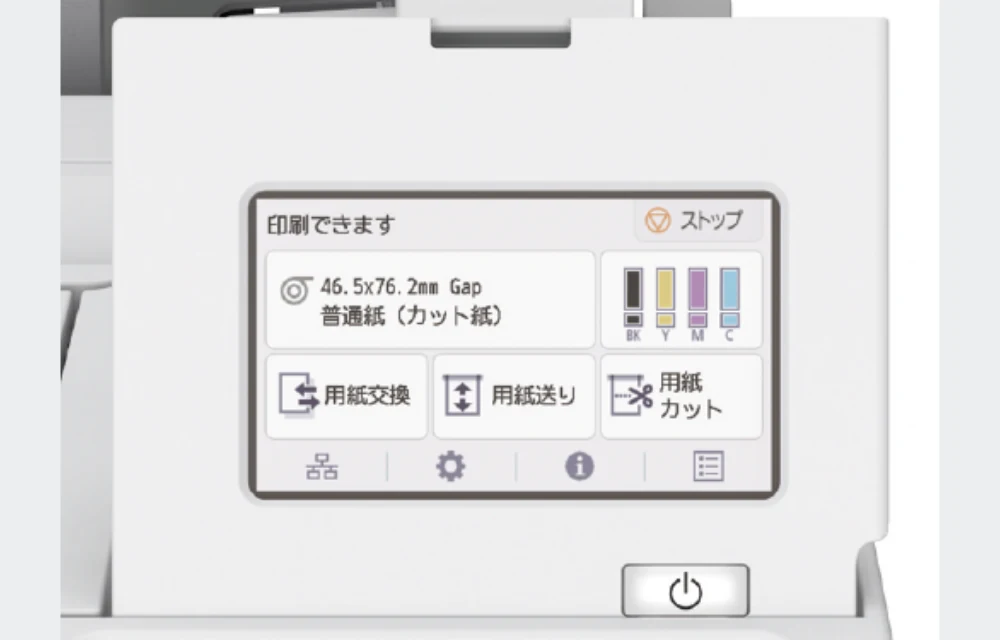
Start the advisorThe Canon LG-P800 is an 8 inch, pigment-based colour inkjet label printer. It prints up to 1200 x 1200 dpi on roll or fanfold media from 2 to 8.5 in wide, lets you swap ink tanks without stopping the printer, and reprints stored jobs from its 500 GB HDD.
Inkjet coated matte or glossy media, on a roll with the roll holder or as fanfold. Width is 2.0 to 8.5 in (50.9 to 216.0 mm) including liner, length is 1.5 to 53.0 in, and thickness is 5.0 to 8.5 mil. Results vary depending on media used.
The LG-P800 prints at up to 1200 x 1200 dpi, for clear variable data, barcodes, QR codes and graphics on matte and gloss inkjet-compatible media. Results vary depending on media used.
Yes. Canon’s Sub-Ink Tank System lets you replace an ink tank on the fly, without stopping the printer, and uses virtually all the ink in a tank before you replace it.
Yes. Jobs are stored on the 500 GB HDD, so you can reprint them from the 4.3 in touch panel without going back to a PC.
No. The LG-P800 uses four pigment inks only: cyan, magenta, yellow and black. It has no white or spot colour ink.
Yes, for the non-food-contact surfaces of food packaging. Canon designs the inks to comply with the applicable FDA safety requirements under the Code of Federal Regulations (CFR) Title 21, Parts 170 to 199, for printing inks used on the non-food-contact surfaces of food packaging. You are responsible for verifying regulatory compliance for your specific application.
Print speed ranges from 7.3 to 47.0 mm/s. The default on matte coated media is 14.0 mm/s standard and 26.1 mm/s fast. Speeds vary with configuration, media and print mode.
The LG-P800 connects by USB 2.0 Hi-Speed and Ethernet (1000BASE-T, 100BASE-TX and 10BASE-T). Canon lists Windows 11 and Windows Server 2016, 2019, 2022 and 2025 Standard.
From Ahearn & Soper, an authorised Canon Canada partner. Request a quote on this page to get pricing.
Pricing is by quote from Ahearn & Soper, an authorised Canon Canada partner. Request a quote on this page.
Ahearn & Soper, an authorised Canon Canada partner, installs the LG-P800, trains your team and services it across Canada.
Quote or demo
Tell us about your labels and we’ll be in touch.
What would you like?
A specialist replies within one business day with pricing for your setup.
We bring the LG-P800 to your facility, or run a virtual demo from your CSV file. Have a few of your own label files ready and watch them print.
A specialist will reply within one business day.
Something went wrong and your details were not sent. Please try again in a moment.